

Add this step to control the tones of your AI frames
Stop settling for random colors and start directing your AI like a cinematographer.


I’ve spent way too much time recently admiring the use of color in the Dune movies. Denis Villeneuve is a master at using specific palettes to tell you exactly where you are before a single line of dialogue is spoken.
The Dune masterclass
If you look closely at the films, each faction and planet has its own visual DNA:
Arrakis: Earthy neutrals—beige, taupe, and brown, broken up by golden sun flares so the desert never feels “flat.”
Caladan: Atmospheric, misty blues that make you practically feel the humidity of the Atreides’ home world.
Giedi Prime: An eerie, “bloodless” black-and-white aesthetic that perfectly captures the Harkonnen vibe.
So, how do you keep a consistent palette of 4-5 tones across different scenes in your own AI-generated frames for your videos?
Glad you asked.
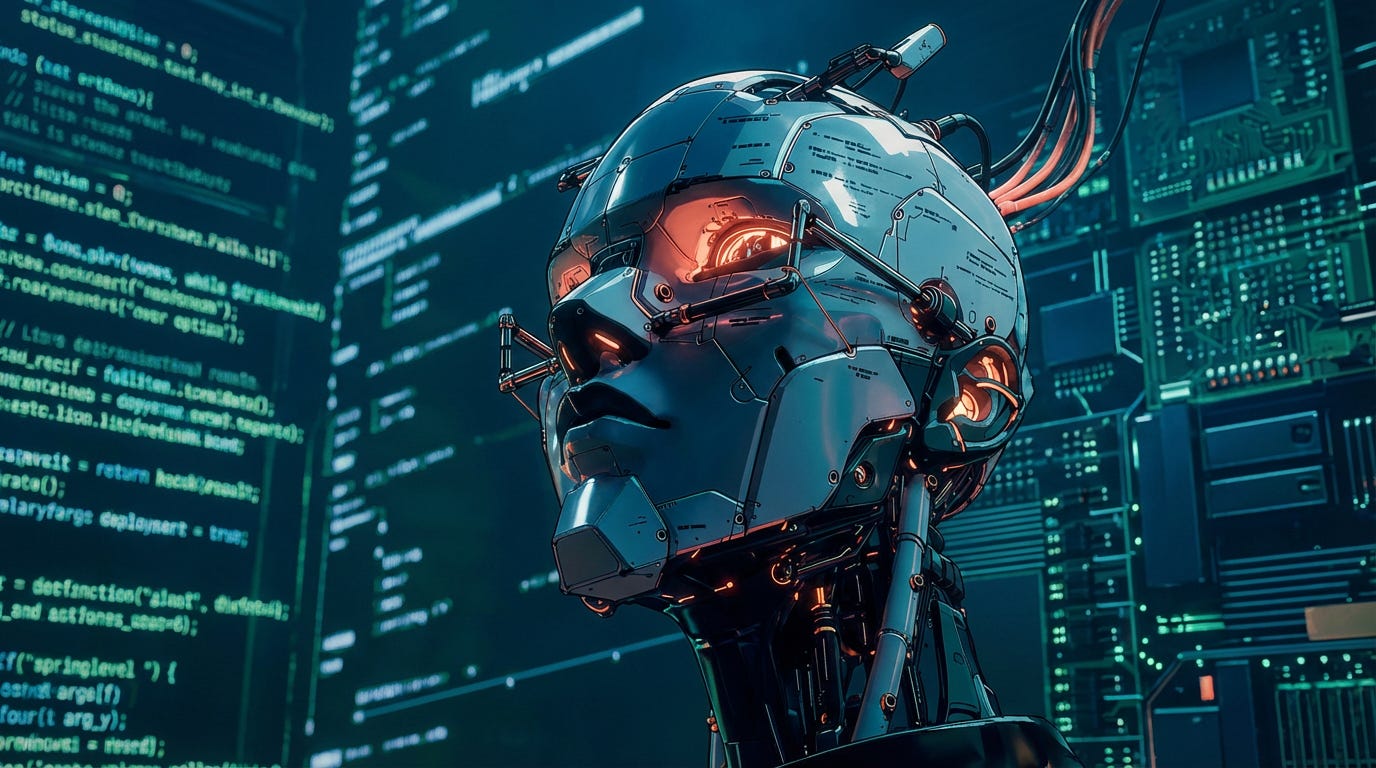
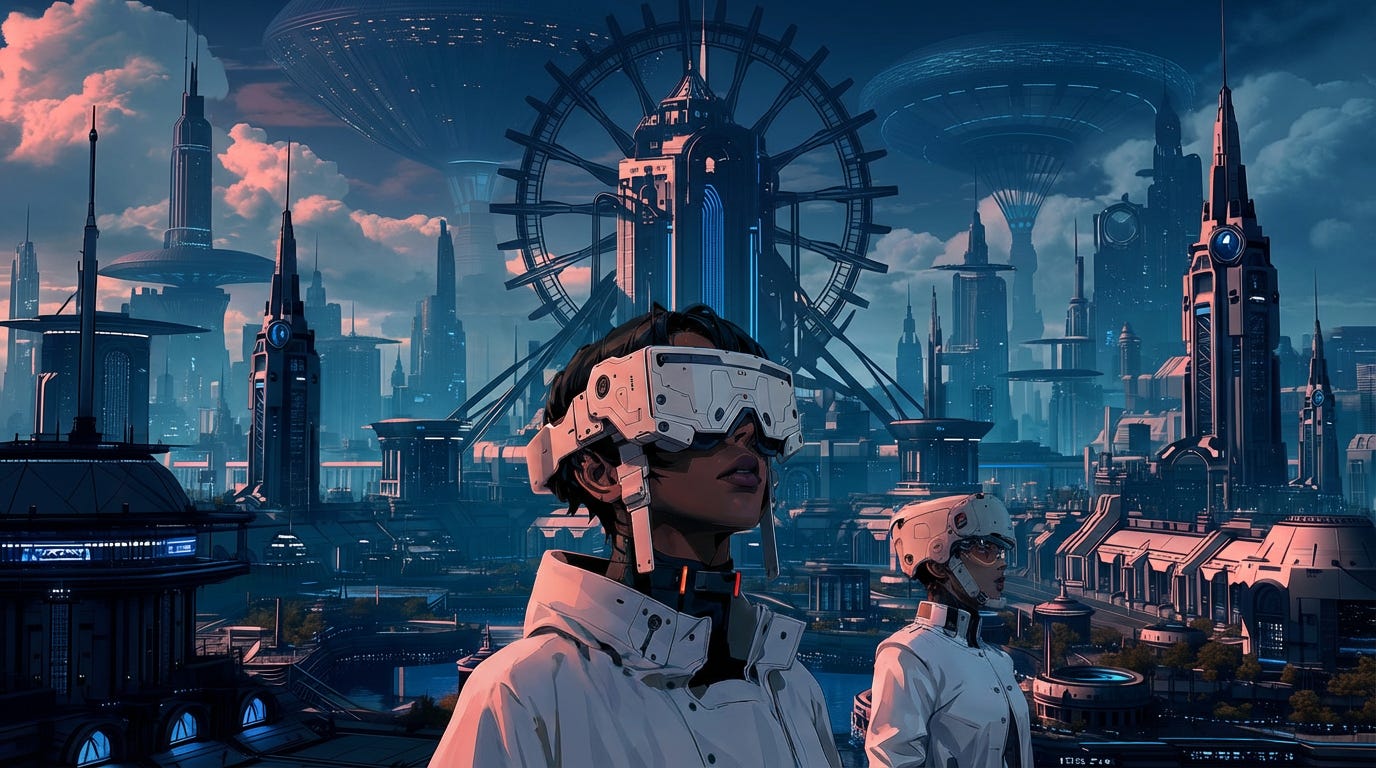
Take a look at these examples. They share the same palette, but remain distinct enough.

Let me show how I did it.