

Master precision moves with Kling 2.6 Motion Control
How to use video references to force your AI characters to move exactly how you want.

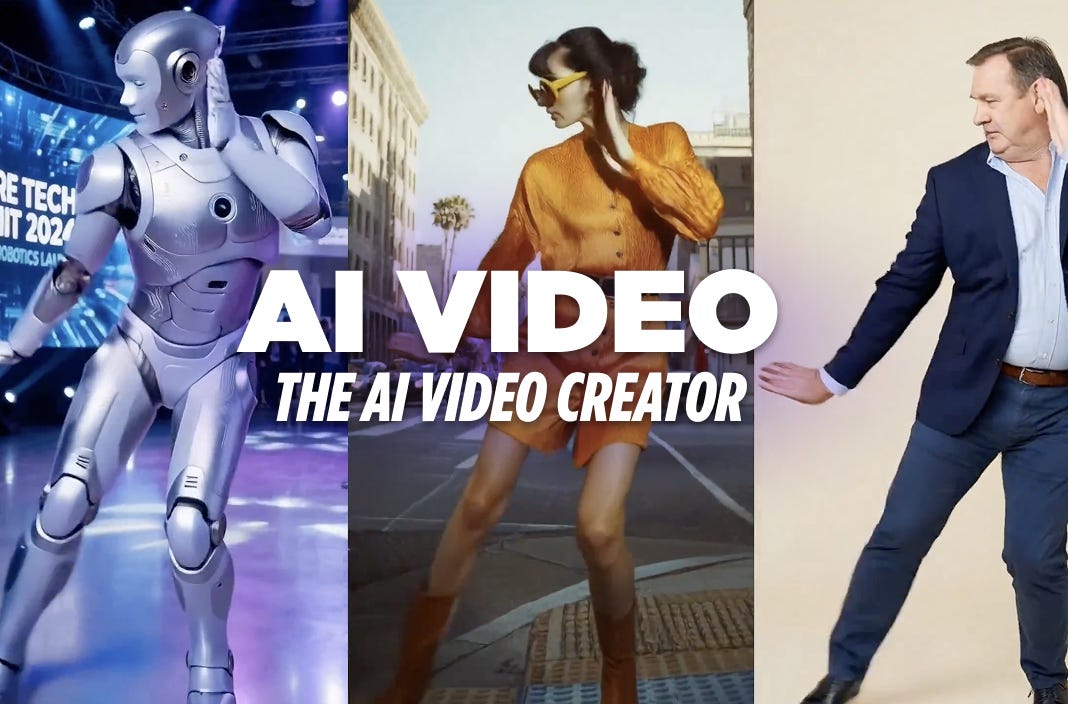
We start this 2026 with a bang: Kling Motion Control helps creators master movement.
The core of Kling 2.6 Motion Control is simple: it uses a Video Reference to drive an Image Reference. Think of it as digital puppetry. Instead of hoping the AI understands the nuance of a “cool dance” or a “subtle shrug,” you simply show it.
It’s basically like teaching a toddler to dance. You have to show them exactly how it’s done, otherwise, they’re just going to stare at you and eventually fall over for no reason (worked with my kids).
So. Breathe and relax.
How to use Kling Motion Control
This is the basic UI interface. Notice how it includes a Library of templates.
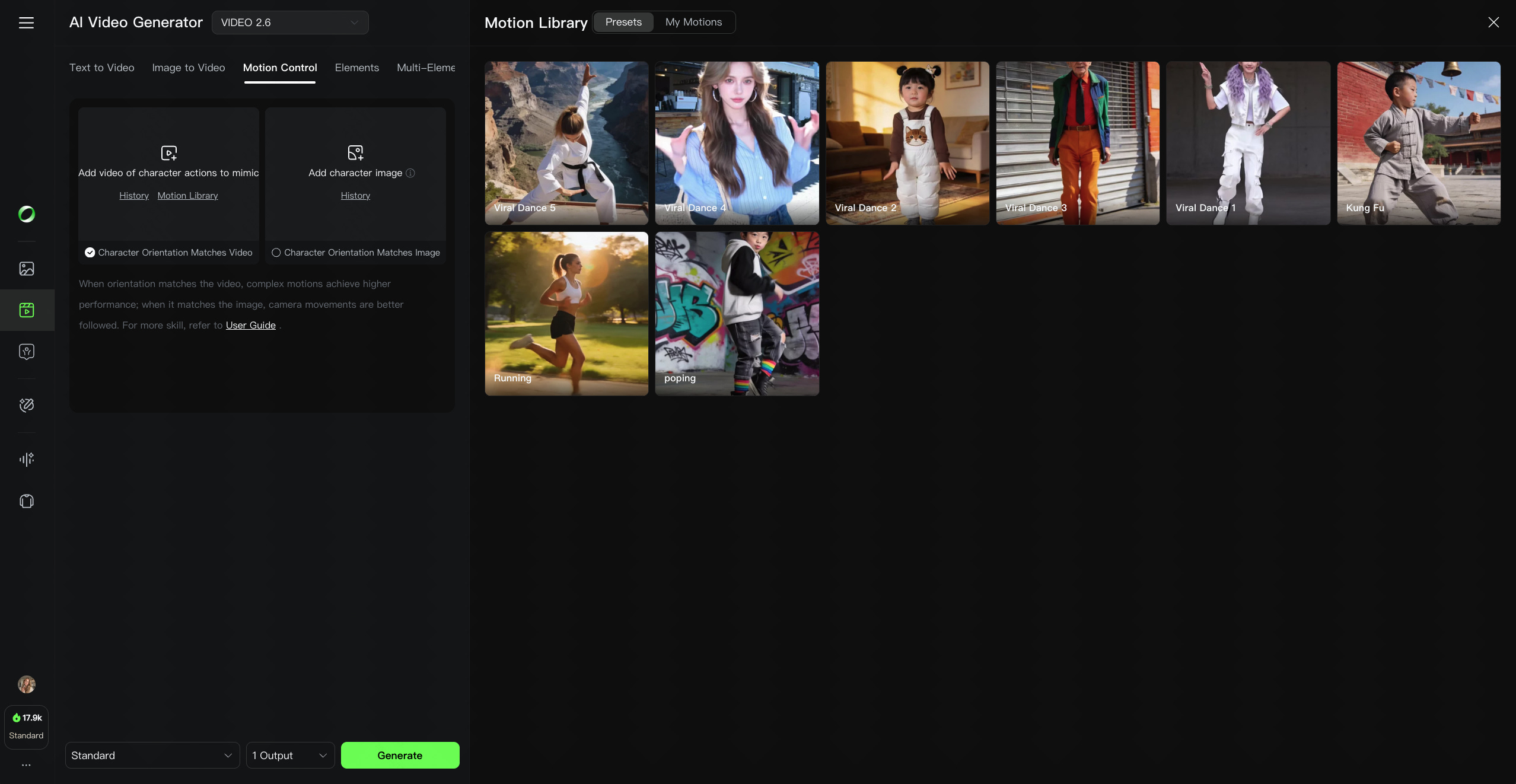
Select Your “Actor” (Motion Reference): Upload a video of the action you want to mimic. You can use your own footage (perfect for specific gestures) or choose from Kling’s Motion Library.
Select Your “Costume” (Image Reference): Upload the character image. Pro Tip: Make sure your character’s proportions (full-body vs. half-body) match the reference video.
Choose Your Orientation:
Character Orientation Matches Image: Better if you want to maintain a specific camera angle from your original image.
Character Orientation Matches Video: Best for following the action exactly.
Finalize the Scene: Enter a text prompt to describe the background, lighting and any other element you may want to add. Kling handles the movement; your prompt handles the “vibe.”
3 tips for clean results
While this tool is a massive step forward, it isn’t magic. To get professional-grade results without the weird results, follow these rules:
Spatial Awareness: If your reference video has a character doing a backflip, don’t use a tight headshot as your image reference. The AI needs “room” in the frame to render the movement.
Speed Control: Stick to references with moderate speed. Extremely fast or blurry movement in the reference video often leads to “melting” pixels in the output.
The “Half-Body” Rule: If your motion reference is a person from the waist up, your character image should be too. Mixing a full-body dance with a close-up portrait is a recipe for a very confused AI.
Watch how they are doing it
Creators are already pushing this to the limit.
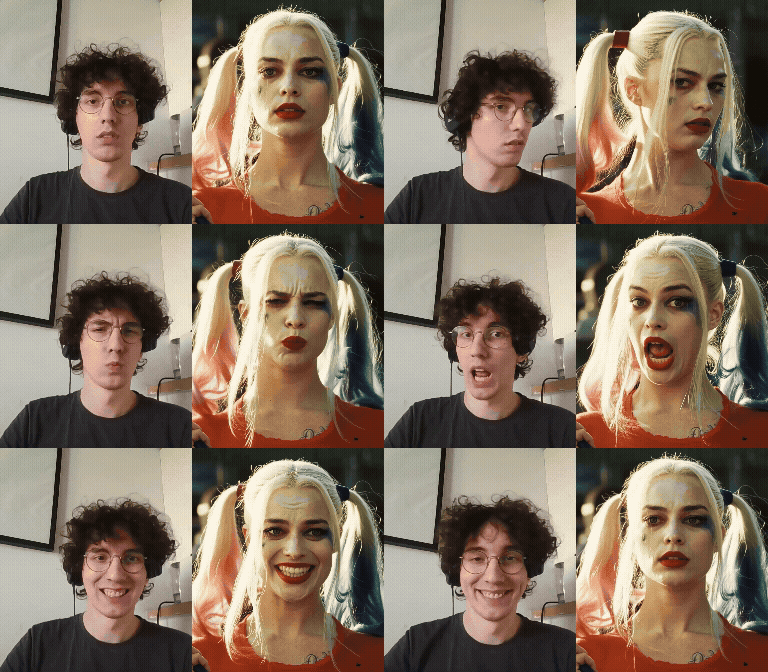
Check out @lucatac0, who used their own physical acting to drive a Harley Quinn animation.
@Preda2005 showcasing the dance moves from the Library onto a cute baby character.

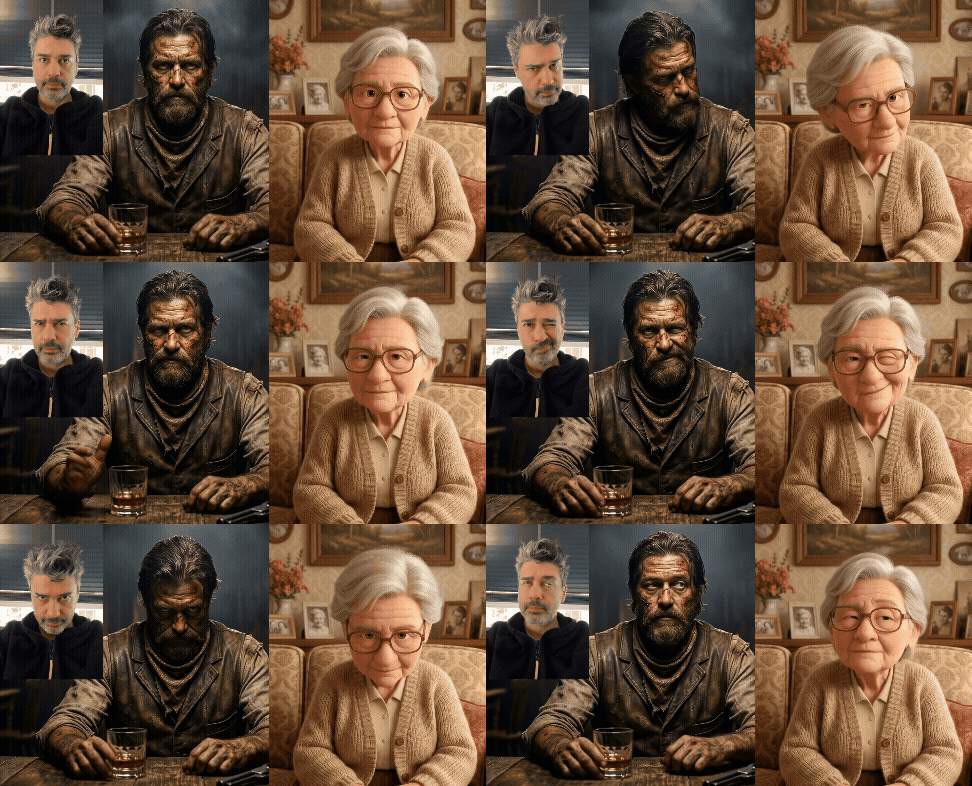
Finally, @ozan_sihay tested his own gestures on different characters.
Stop settling for random movement. It’s time to start controlling it.
Have fun.