

Lip sync made easy with Freepik
How to maintain a character's voice across multiple shots, and the visual trade-offs that come with it

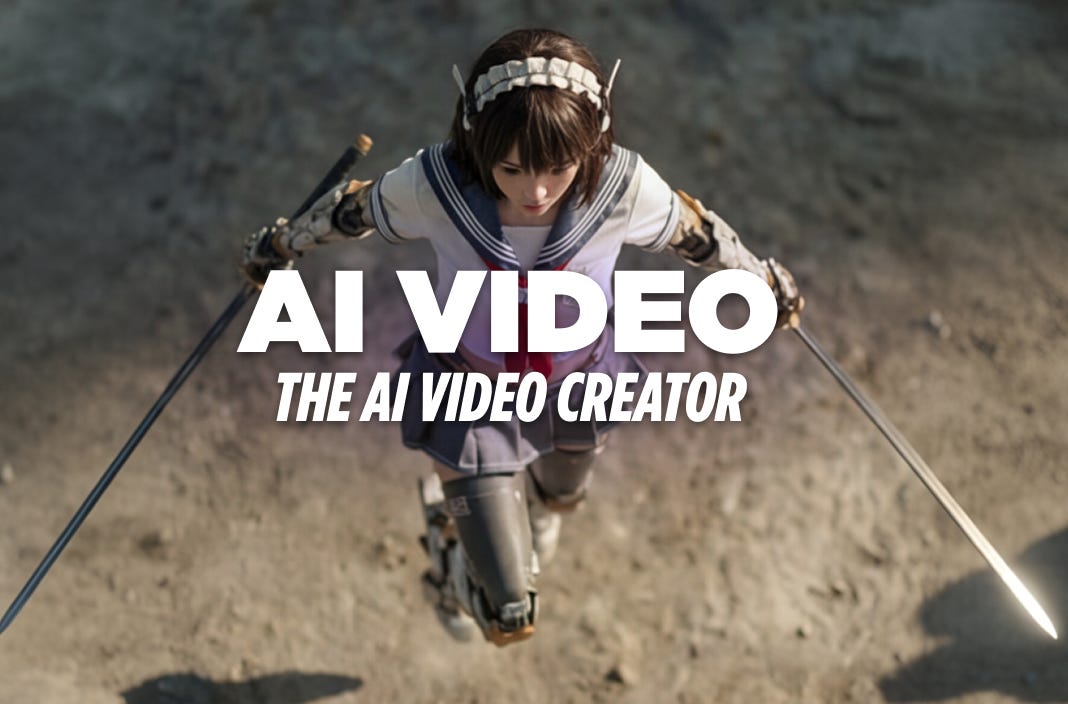
Freepik is quietly solving one of the most frustrating hurdles for AI creators: consistent, repeatable lip-sync.
While leading models like Veo 3.1 and Seedance 1.0 are impressive for their “all-in-one” capabilities, allowing you to prompt video, sound, and dialogue simultaneously, they have a major flaw for serialized storytelling:
They are great for one-offs, but if you need ten shots of the same character, the voice will vary wildly between generations.
You have control over the lines, but zero control over the identity of the speaker.
Freepik has a new workflow, but it comes with trade-offs.
Let’s dive in.
A new approach
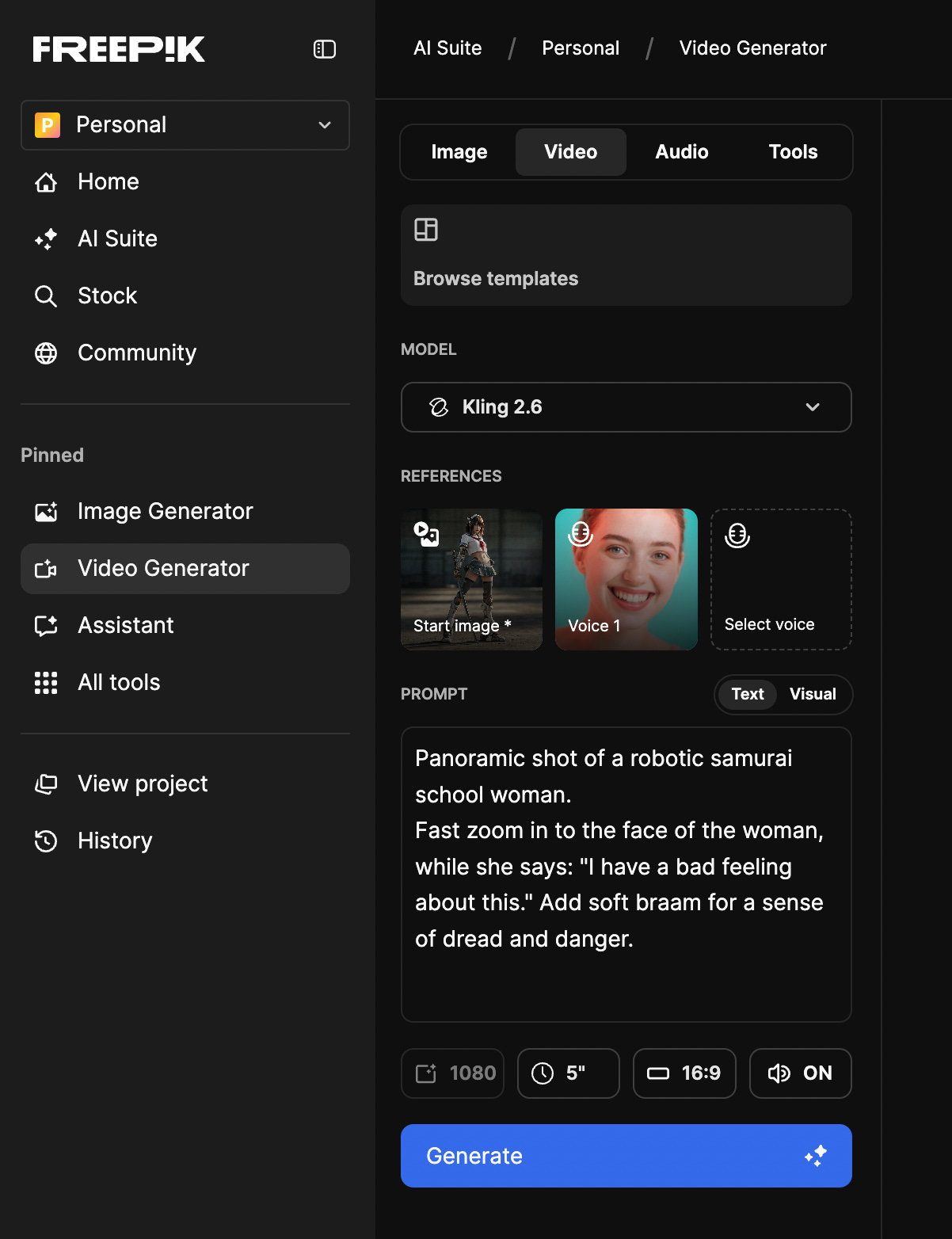
Freepik is taking a different path. Instead of rolling the dice on a new voice every time, it allows you to pair a specific, established voice with your video prompt. While you can’t upload your own audio files yet, this “voice-first” workflow ensures the persona remains stable.
Check this example:
The Stress Test
To see where the limits lie, I ran three different prompts using the same character in different positions and the same selected voice.
The goal: Keep the voice similar AND have a good lip sync. Let’s test.
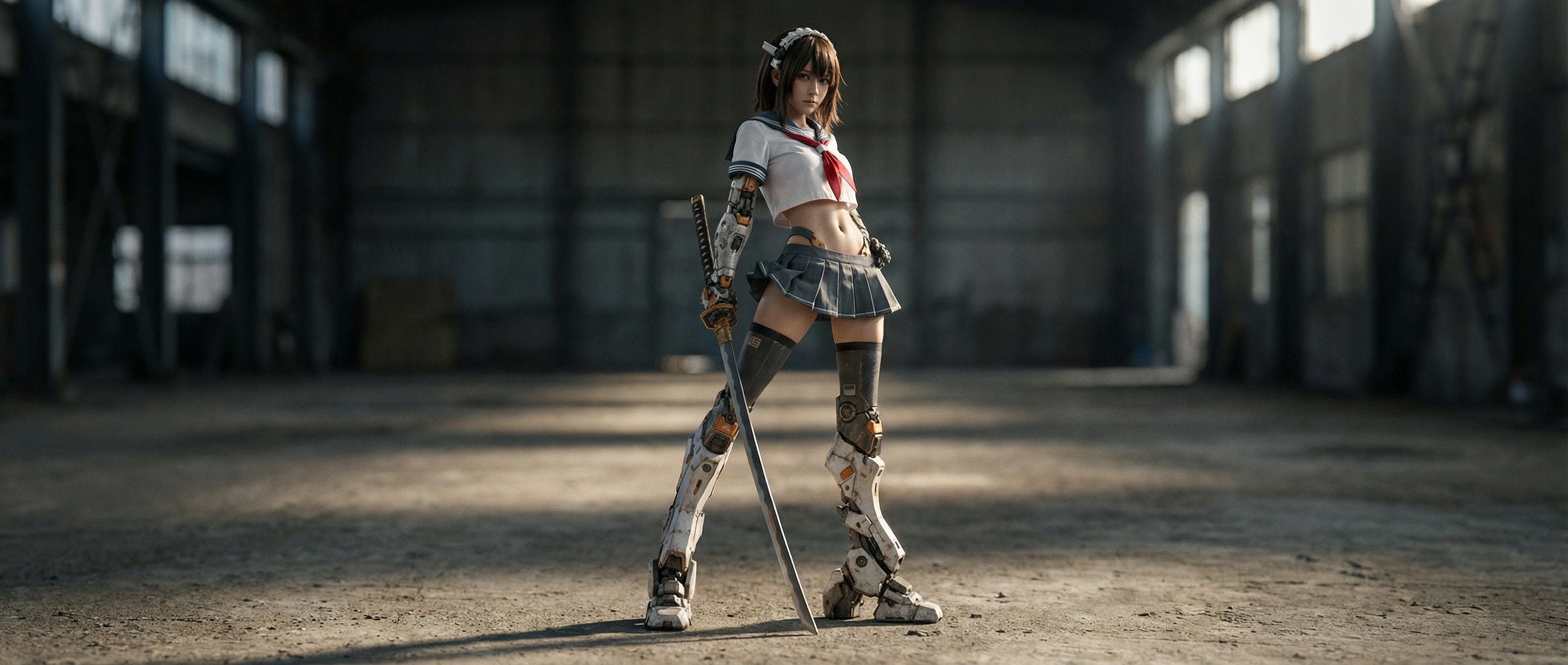
Initial Image:
Prompt:
Panoramic shot of a robotic samurai school woman. Fast zoom in to the face of the woman, while she says: “I have a bad feeling about this.” Add soft braam for a sense of dread and danger.
The Result:
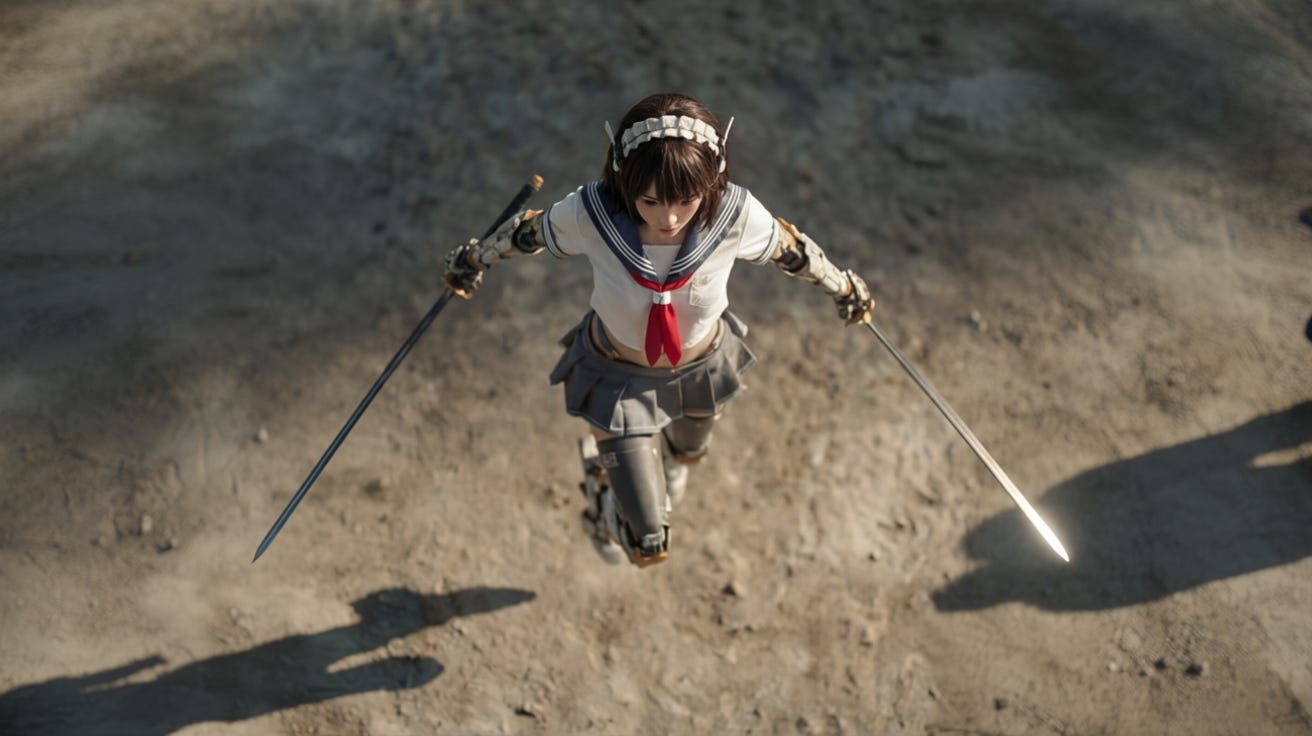
Initial Image:
Prompt:
Robotic samurai school woman lands on the ground. Impact blast around her. Fast zoom in to the face of the woman, while she says: “I have a bad feeling about this.” Add soft braam for a sense of dread and danger.
The Result:
Initial Image:
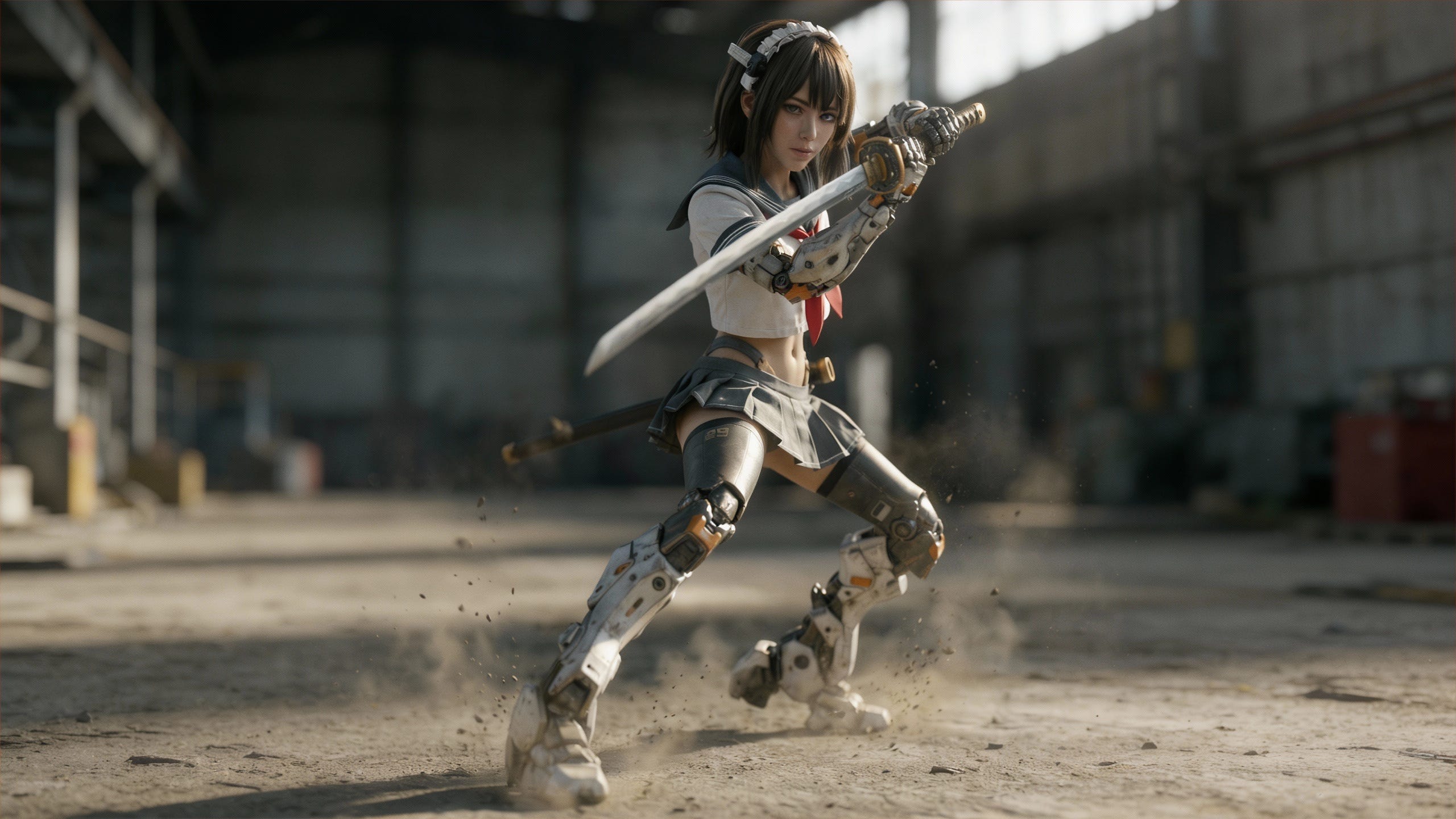
Prompt:
Dynamic movement of Robotic samurai school woman in combat holding a sword. Fast zoom in to the face of the woman, while she says: “I have a bad feeling about this.” Add soft braam for a sense of dread and danger.
The Result:
The takeaway
Voice Stability: The tool works exactly as intended. The vocal tone and inflection remained almost identical across all three shots. For creators making series or shorts, this is a massive win.
The Lip Sync: It’s very good. The easy workflow delivered great results.
Another observation: While the voice stayed the same, the character’s appearance drifted, mainly because of the nature of the shots: The panoramic lacked definition, the bird’s view didn’t have a clear view of the face. In every shot, she looked like a slightly different person. A way to add a character reference would be gold.
This is a simple but good step towards solving the the “audio identity” problem.
The holy grail of video for 2026 will be the moment we can combine these stable voices with consistent character references in a single AI tool.
We aren’t there yet, but the gap is closing.
Cheers.
Disclosure: This post may contain affiliate links. If you click on a link and make a purchase, I may earn a small commission at no extra cost to you.