

Steal this new workflow for character consistency with a Cinematic Contact Sheet
Here is my exact 2-prompt workflow for turning your character into consistent video storyboards

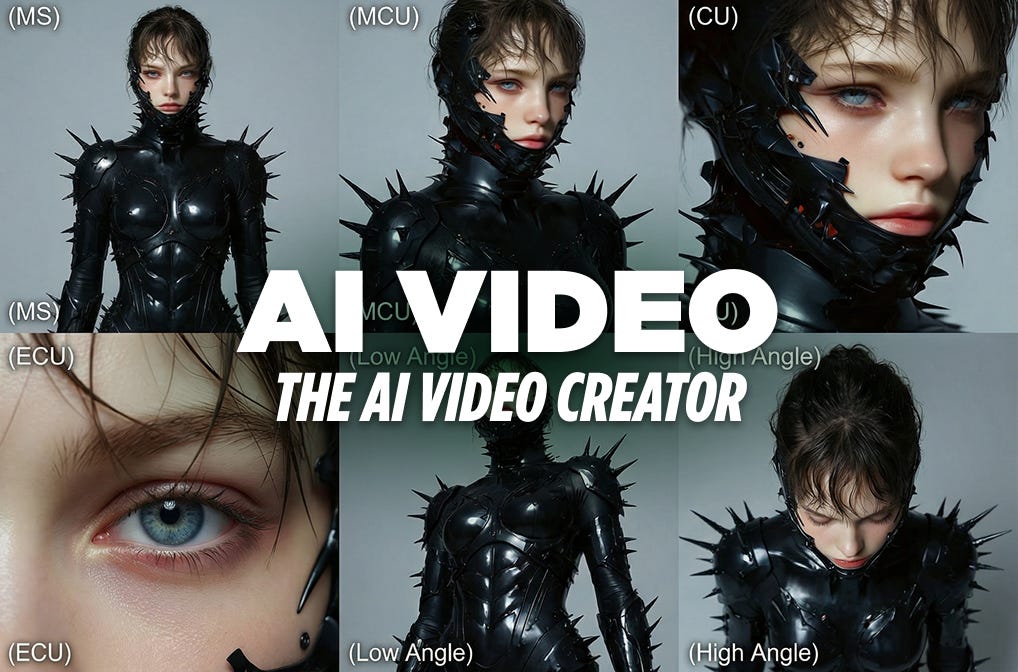
AI workflows have simplified dramatically with the power of Nano Banana Pro. These tools now offer creators a high degree of character consistency, even when dealing with highly complicated elements like intricate armor or specific lighting setups.
The “holy grail” of AI video is keeping your character looking like your character from shot to shot. Take a look at the example below. This workflow understands the complex character (spiky suit, specific facial features) and explores perfectly across nine different cinematic angles.
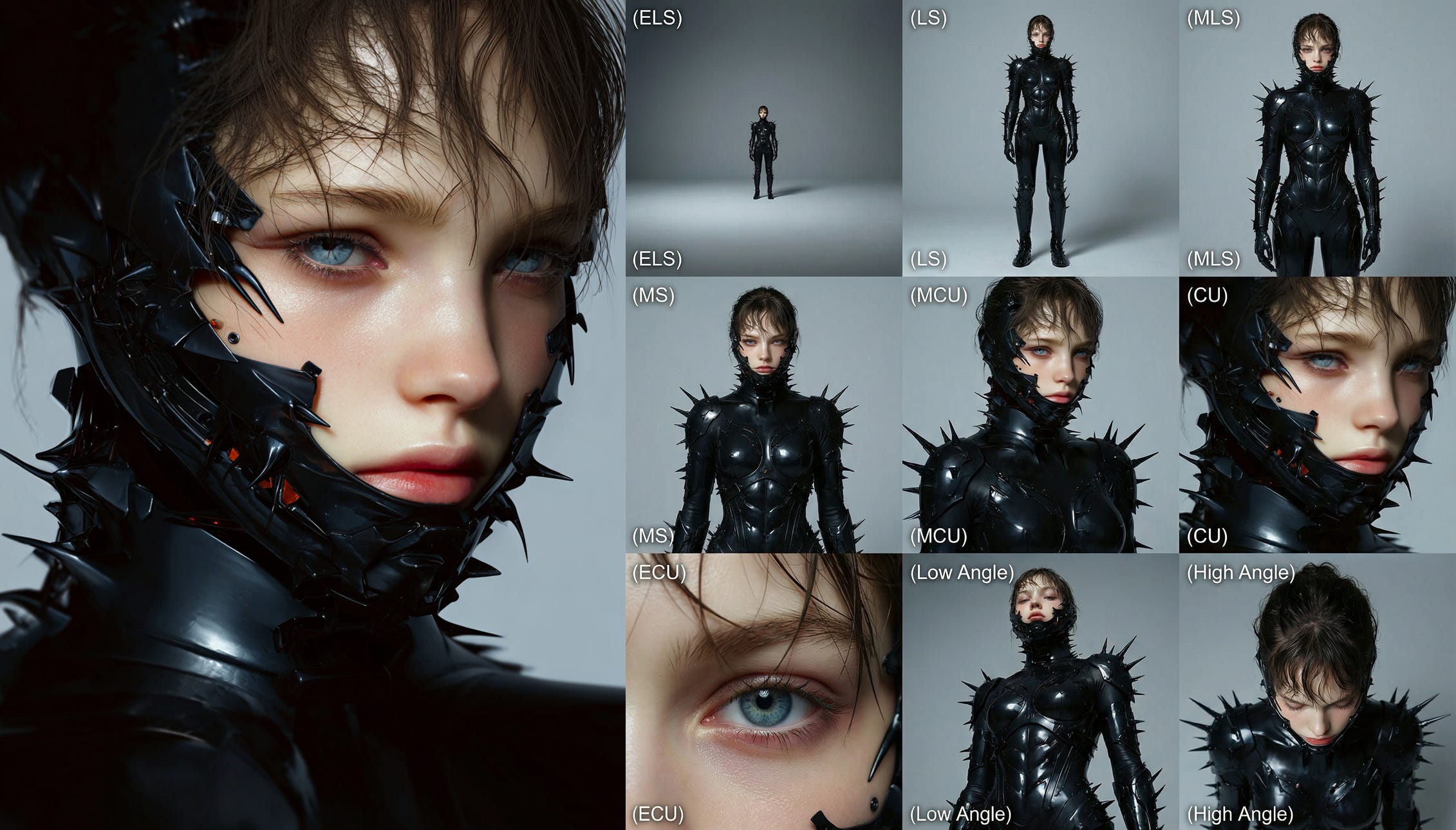
So, how do we use it?
I’m going to give you two highly detailed prompts you can use to generate two different style references.
The Contact Sheet: A prompt for multiple views of the scene to establish angles.
The Director’s Cut: A prompt that pushes for different poses, acting as a basic storyboard tool.
These two prompts are enough to generate a complete scene with a highly consistent character.
Let’s go.